Depending on the services your company utilizes and the level of access your account has there are a few portals available.
To request access to services or check what is available to you, feel free to contact the team.
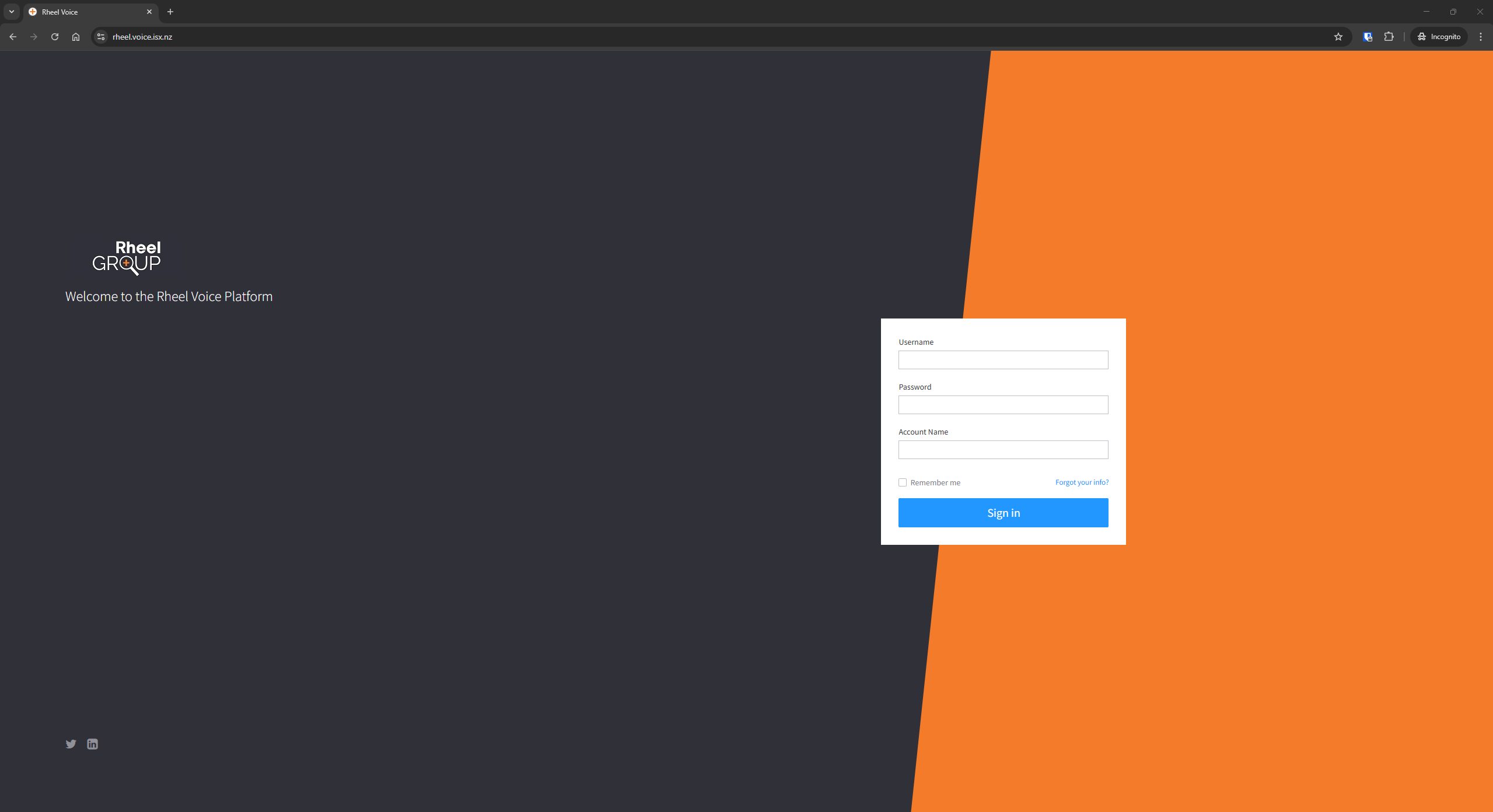
To access the Rheel Voice Platform, your primary location for online management of the cloud VoIP services you can use the below link:
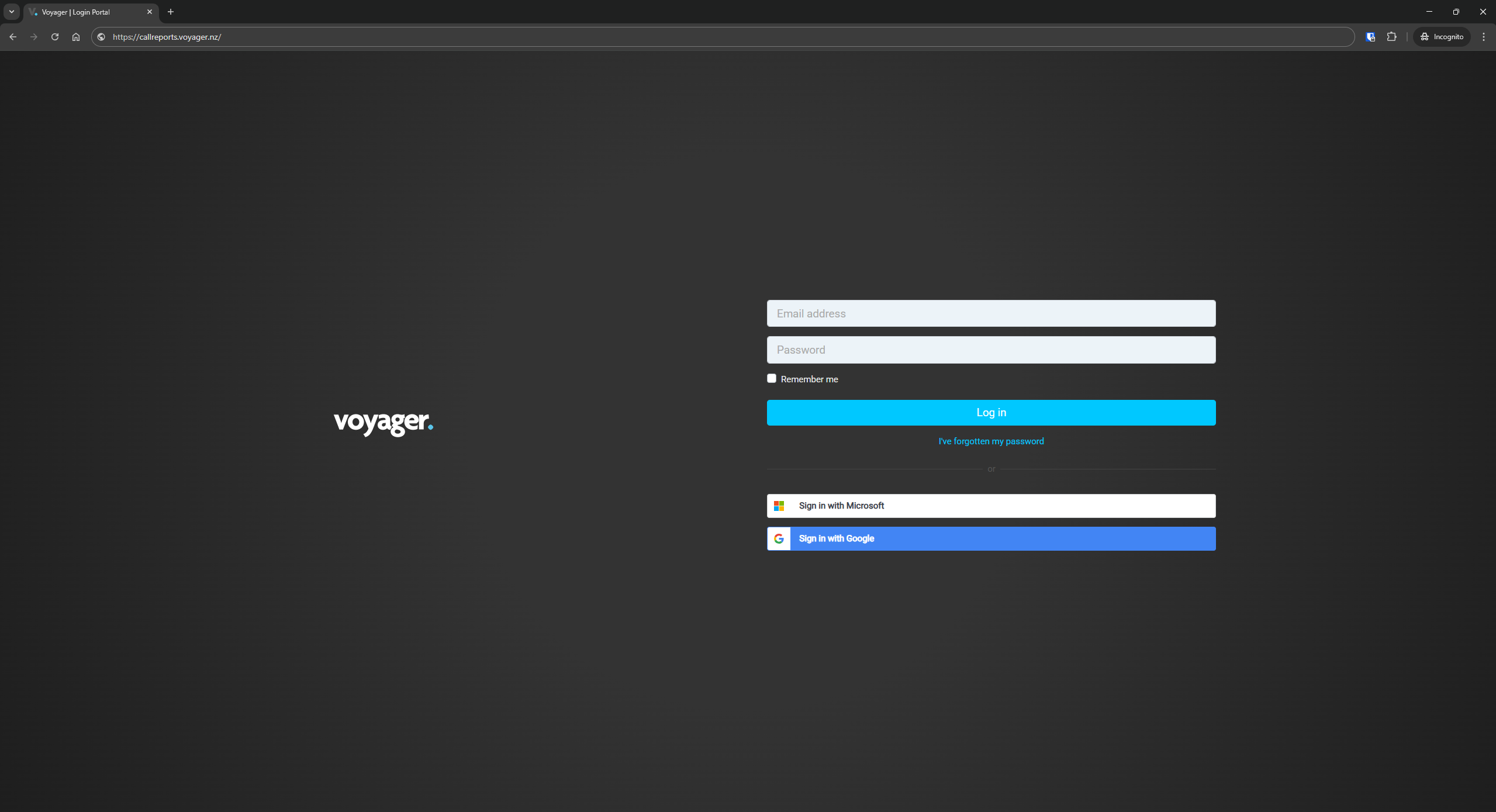
To access the detailed call reports, online dashboards or wallboards, navigate to the below link:
https://callreports.voyager.nz/
For help or guides on the call reports, once logged in you can click on the help button from the left hand menu, or navigate straight to:
https://docs.au.xarios.cloud/en-us/reports/?tenantId=774df03d-f2ad-4208-3d80-08dd926bbcf9
To access the online cloud softphone (make and receive calls through your browser) you can sign-in at:
https://connect.au.myreports.cloud/
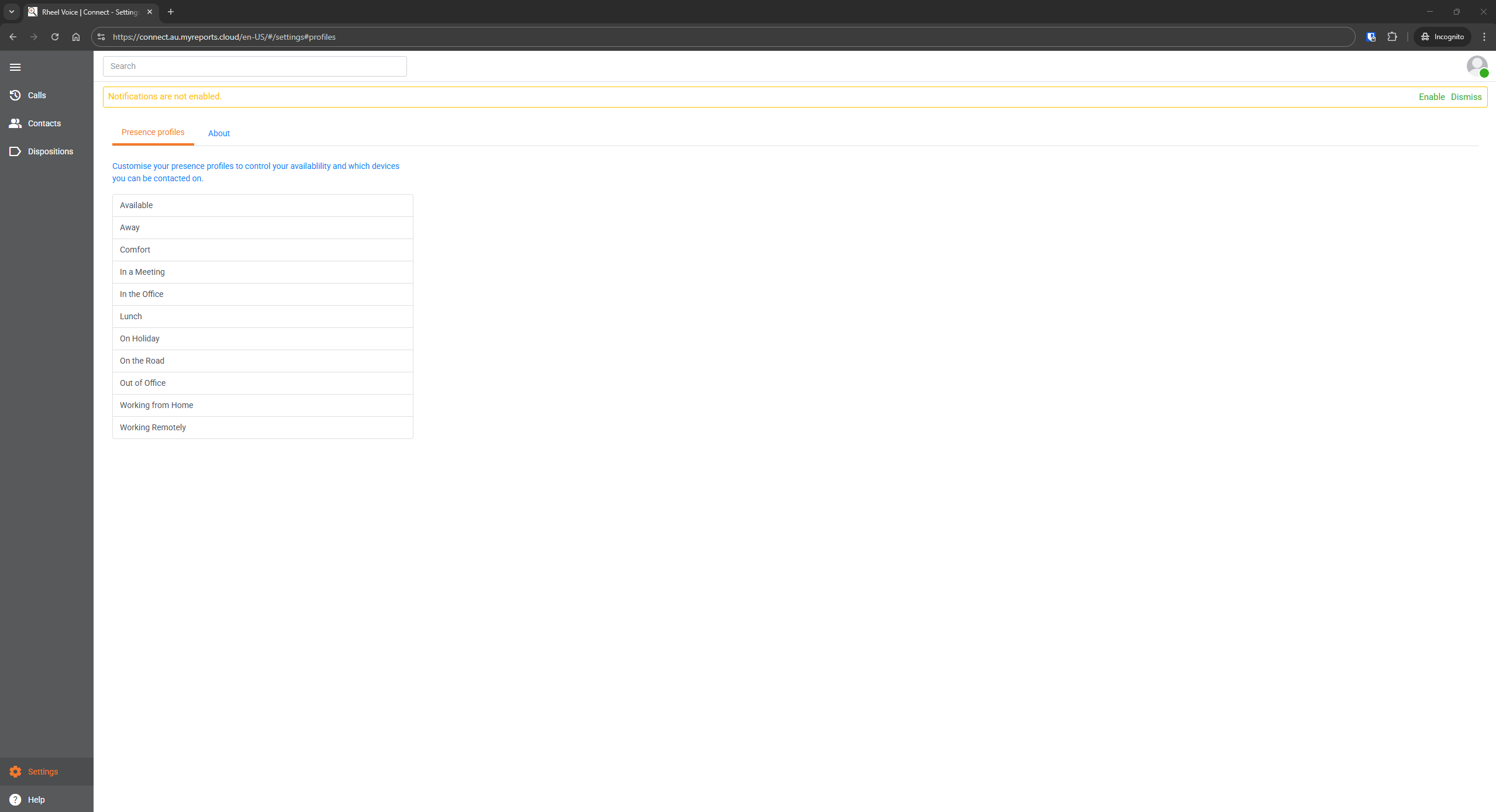
You will need to first accept the warning message regarding calling emergency services via the cloud softphone.
This service relies on both your computer system and the internet service, if there is any power outage, loss of internet or other data interruptions, your call may fail.
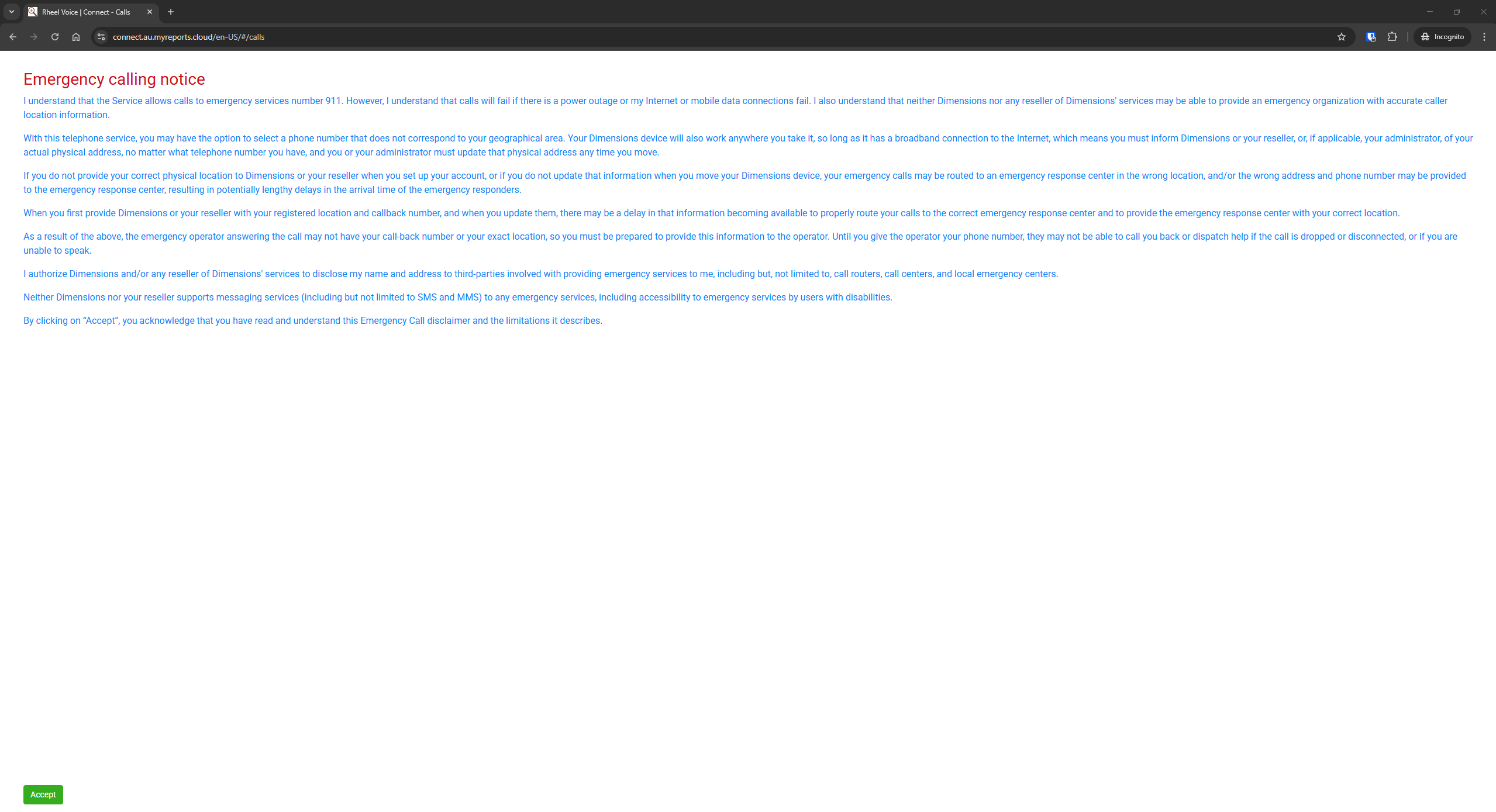
For help or guides on the cloud softphone, once logged in you can click on the help button from the left hand menu, or navigate straight to:
https://docs.au.xarios.cloud/desktop/en-us?tenantId=774df03d-f2ad-4208-3d80-08dd926bbcf9
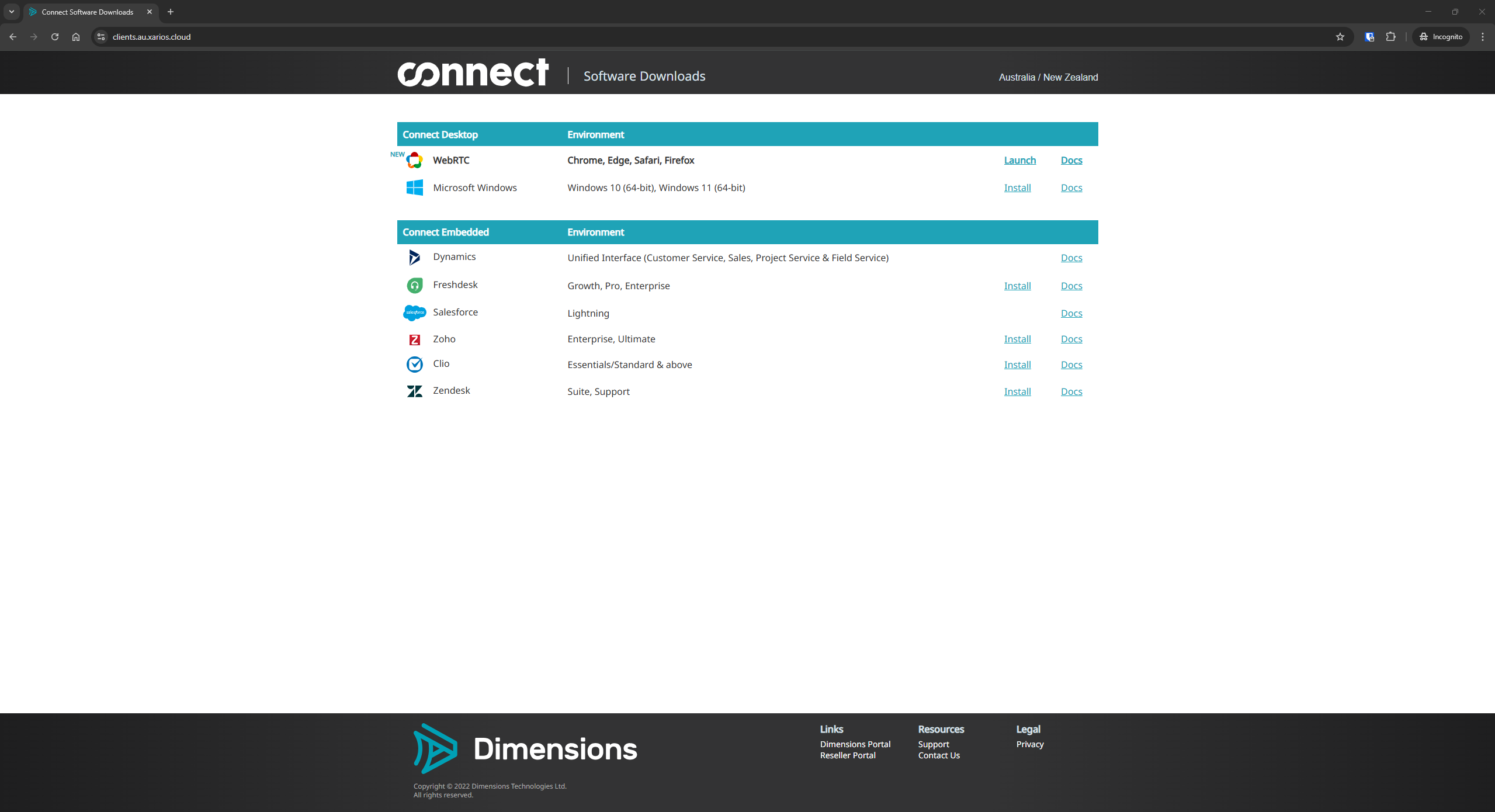
Software Downloads/Links:
https://clients.au.xarios.cloud/
Was this article helpful?
That’s Great!
Thank you for your feedback
Sorry! We couldn't be helpful
Thank you for your feedback
Feedback sent
We appreciate your effort and will try to fix the article